


← Back to blog
WC Radar
KYC is the one-time identity check that lets Pandablue process your payments safely. Here's why it exists and how to pass it without delays.
October 12, 2026
4
min read
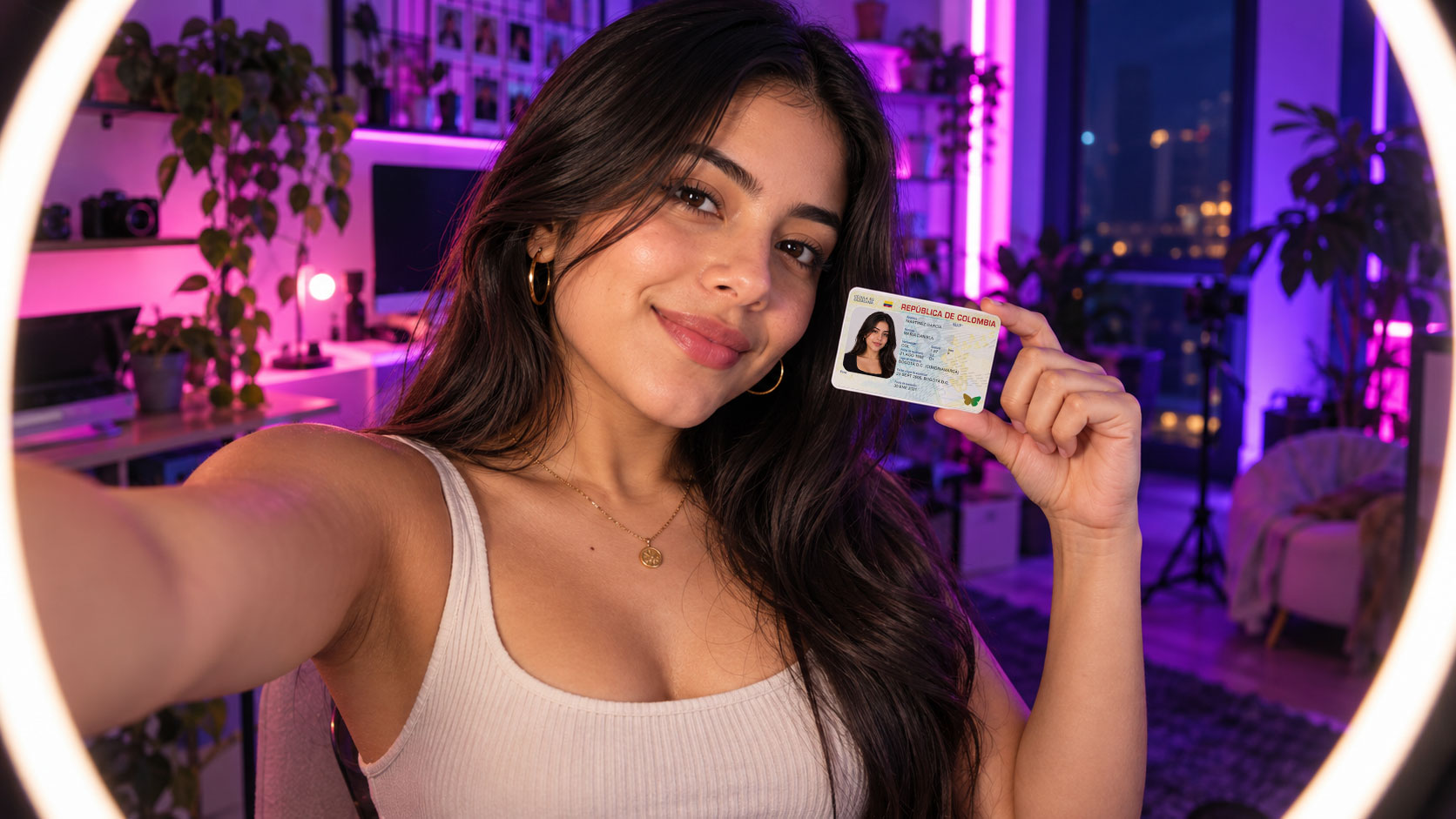
KYC stands for "Know Your Customer". It's the identity check run by companies that move money, such as banks, digital wallets and payment processors like Pandablue. You're asked for it to confirm that the person getting paid is who they say they are, to protect your money from impersonation and to comply with anti-money-laundering rules. To pass it fast you need a valid ID, clear photos and the same details everywhere.
It's a verification you complete only once, when you start using Pandablue. In practice it comes down to three things:
The verification is automatic. If your ID document changes later, write to support@pandablue.com to update it.
Because your payments are processed with your personal details. KYC exists for three reasons, and all three work in your favor:
Most verifications that take longer have no real problem. They're delayed by details you can fix in a minute:
If your ID is valid and the photos are clear, you'll get a confirmation email within 24 hours. If it doesn't arrive, write to support@pandablue.com.
Good news: verification is done only once. As one Pandablue user said after completing it, once you're fully verified, the following transactions take less time.
Biometric data, such as your selfie and facial recognition, is used exclusively to validate your identity and prevent impersonation. Pandablue operates with PCI-DSS certification and protects information with measures such as encryption. You can read in detail how your data is handled in our privacy policy.
The studio goes through its own verification too: it uploads its documents as a legal entity or individual before its panel is created. In addition, every model who gets paid through the studio verifies her identity once with a photo of her ID. If a payment is created before that verification, the model receives an automatic email with the steps to follow.
Yes, as long as you send it through Pandablue's official channels: the app or the verification link contentcreators.pandablue.com/validate. If someone asks for your documents any other way, check with support first.
Check the list of common mistakes, fix whatever is missing and submit it again at contentcreators.pandablue.com/validate. If you have a pending payment, it stays on hold for up to 15 days while you submit the new verification.
Your payment is processed once your verification is approved. If it isn't approved, the payment stays pending for up to 15 days; after that, the transaction expires and the payment is rejected. That's why it's best to verify as soon as you create your account, before your first payment.
No. You just edit your payout details on the platform where you earn, and the change applies from your next payment. The account must still be in your name. If what changes is your ID document, write to support@pandablue.com.
Verify once and get paid without delays. Create your Pandablue account →
.webp)


%20(1).png)


