


← Back to blog
Product Education
Activate your Pandablue Wallet on Stripchat and get your tokens instantly. Step by step, payout timing and fees.
August 28, 2026
2
min read
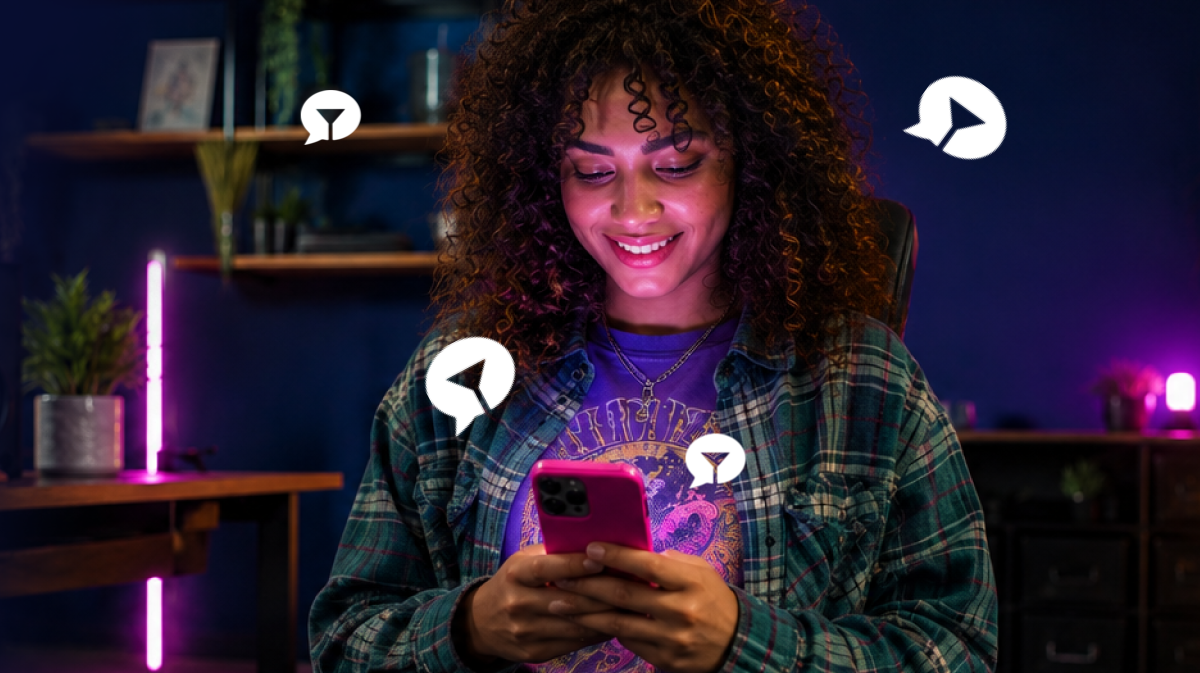
To get paid for your Stripchat earnings through your Pandablue Wallet, go to Stripchat's payout section, choose Pandablue Wallet as your payout method and enter your Wallet number. From there, your tokens arrive instantly, with no need to wait for a bank transfer to process.
The Pandablue Wallet is a digital account built for content creators: it receives your tokens already converted, lets you withdraw to your bank account whenever you want, and comes with a Panda Card (for paying online and in stores) and PandaCoins on every transaction. Today you can get paid to the Wallet from Stripchat, LiveJasmin and Chaturbate. If you earn on other platforms, that payment goes straight to your bank account.
If you work with a studio, you can ask them to pay you straight to your Wallet instead of receiving money through the studio's account that way you keep the same control and payout speed.
Our fee ranges between 2.5% and 8%, depending on the platform you're monetizing it's not the same figure across the board. For Stripchat, as of July 2026 we lowered that fee to 1.5%, and it applies only to models (not studios) good news right now, with the dollar down and every percentage point mattering more.
Confirm it directly in your dashboard or by writing to support (support@pandablue.com) before activating your Wallet.
Does the Pandablue Wallet work with platforms other than Stripchat?
Yes. Today you can get paid to the Wallet from Stripchat, LiveJasmin and Chaturbate. If you work with other platforms, that payment goes straight to your bank account.
Is the Wallet available in my country?
The Pandablue Wallet is available only in Colombia, and very soon it will be available everywhere with all its features. In the meantime, you can always get paid straight to your bank account.
What if I have questions during activation?
Write to support@pandablue.com, use the in-app chat in Pandablue Wallet or message us on WhatsApp at +57 310 386 0524. The support team will walk you through it step by step.
Can payout times and fees change?
Yes. Both Stripchat's cycles and fees (from the platform and from Pandablue) can be updated over time always confirm current information before choosing your payout method.
Ready to get your Stripchat tokens instantly? Activate your Pandablue Wallet today
Download now:
.webp)


%20(1).png)


